

Documentation Index
Fetch the complete documentation index at: https://sigma-docs.pastel.africa/llms.txt
Use this file to discover all available pages before exploring further.
CDD Reports
A CDD report is a compliance-ready document that summarises all verification, risk assessment, and screening outcomes for a specific customer. Reports can be generated at any point after CDD checks have been completed, and are designed for use in internal compliance reviews, audit submissions, or regulatory requests.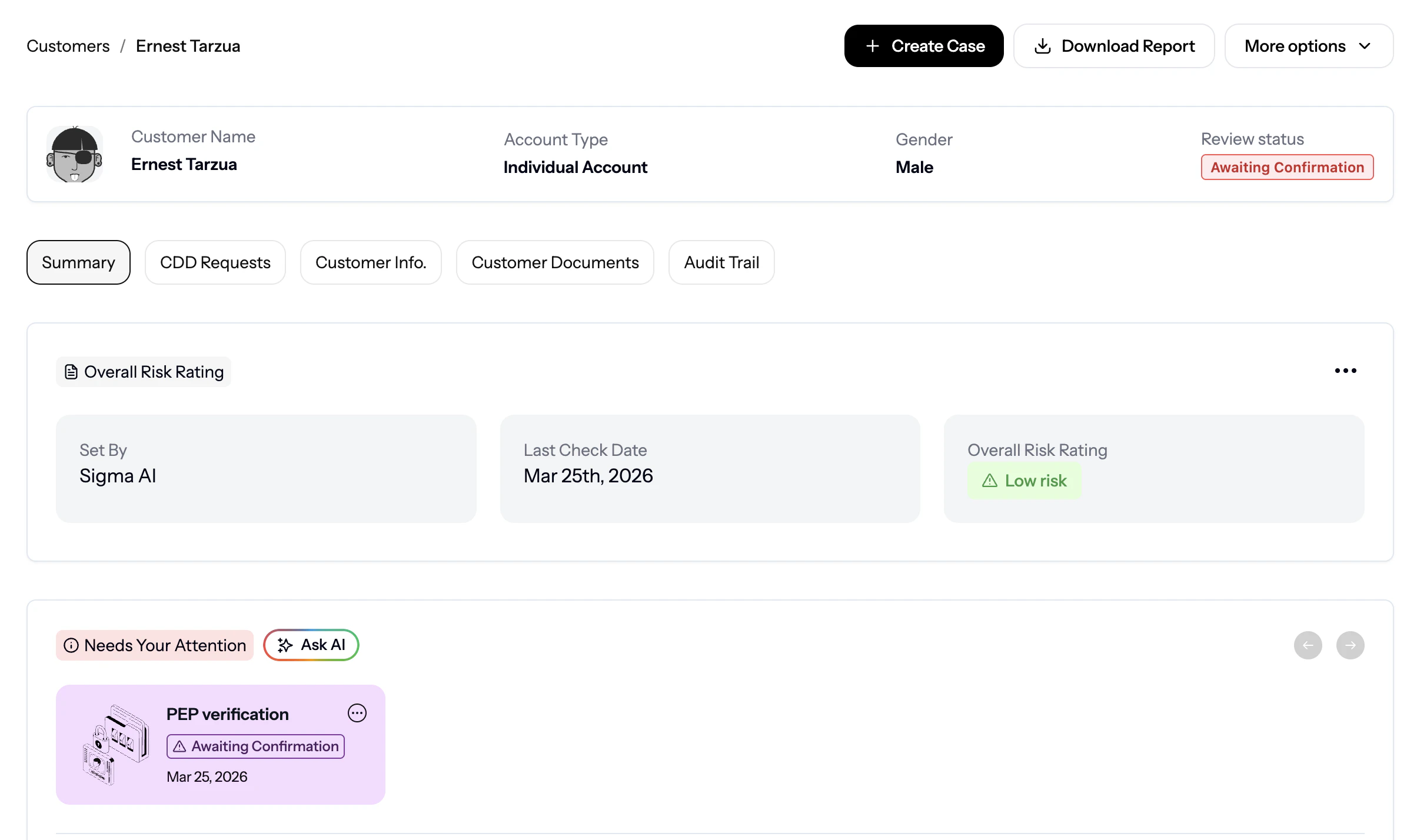
Example:
CDD results view from the Sigma dashboard
What a Report Contains
A generated CDD report includes the following sections depending on your template configuration:| Section | Contents |
|---|---|
| Customer Details | Name, unique ID, customer type, date added, KYC level |
| Risk Summary | Risk tier (low / medium / high), risk score, and the factors that contributed to the score |
| Identity Verification | Status and outcome of each identity check run (pass, fail, pending), including the data sources used |
| Screening Results | PEP match status, sanctions match status, adverse media findings, and confidence scores for any matches |
| Verification History | A log of past CDD runs for the customer, including dates and workflow names |
| Compliance Notes | Any analyst notes or decisions recorded against the customer record |
Report Templates
A report template defines which sections and fields appear in a generated report. Templates let you create different report formats for different purposes, for example a concise onboarding summary versus a detailed audit report. To create a report template:- Open Reports in the CDD section of the Sigma Dashboard
- Click Create Template
- Give the template a name (e.g. “Onboarding Summary”, “Quarterly Review”, “Audit Report”)
- Select the sections and fields to include
- Save the template
Generating a Customer Report
Once a template is configured and CDD checks have been run, you can generate a PDF report for any customer:- Open a Customer record in Sigma
- Click Generate Report
- Select a report template (or use the default)
- Download the generated PDF
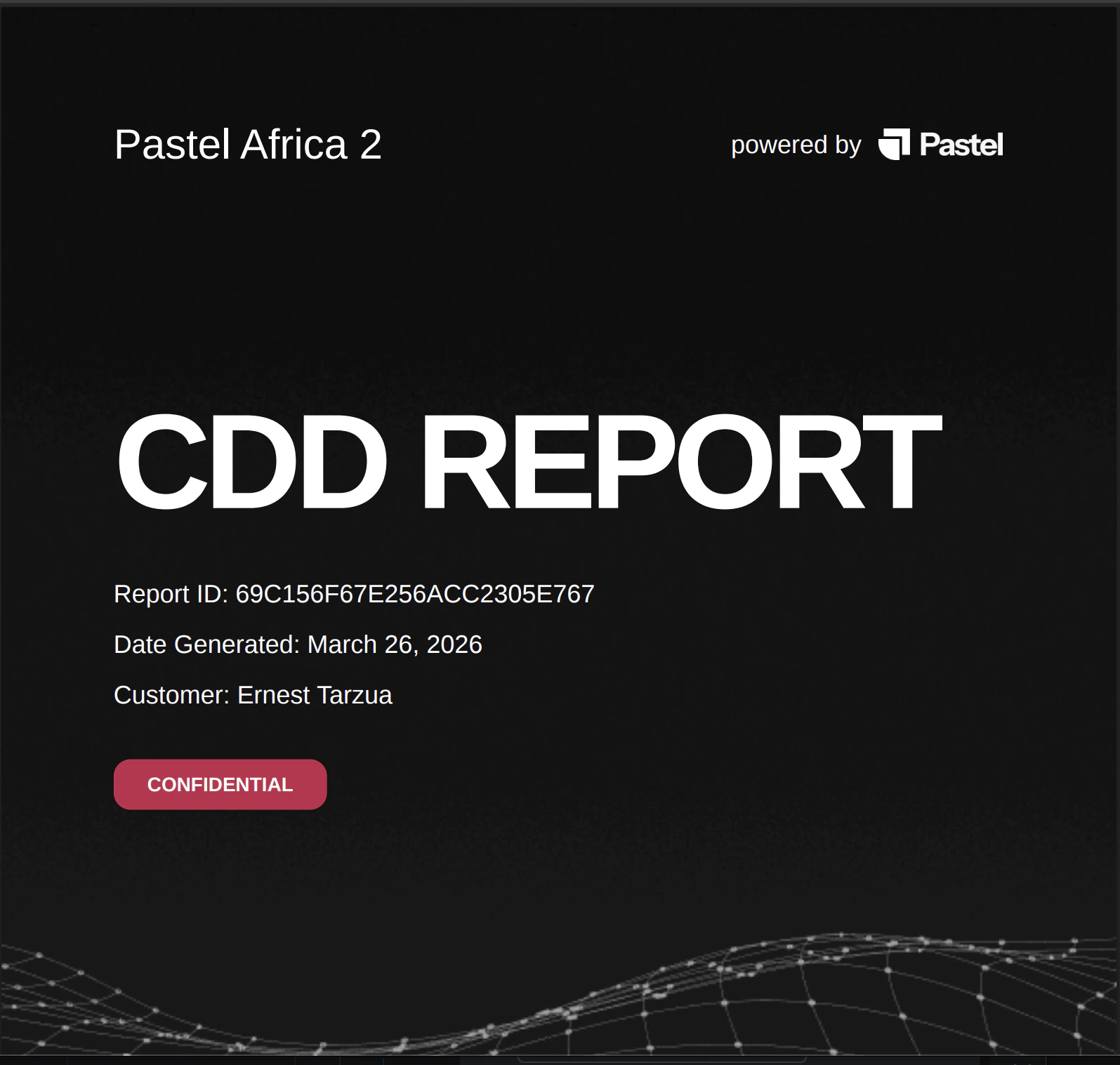
Sample CDD Report
Example of a generated CDD report
Reports reflect the most recent CDD data on file for the customer. If you need the report to capture a fresh check, run CDD first before generating.
Generating Reports via API
You can also generate reports programmatically using the CDD API. This is useful if you need to trigger report generation as part of an automated workflow, for example producing a report automatically after each CDD run completes.Using Reports for Compliance
CDD reports serve several compliance purposes:- Onboarding approvals: attach a report to an onboarding decision to document that the customer was verified and screened before account activation
- Periodic review records: generate a report after each scheduled review to maintain a timestamped compliance record
- Audit evidence: provide regulators or auditors with a structured record of your due diligence process for any customer
- Escalation documentation: when a customer is flagged as high risk or referred for enhanced due diligence, the report provides the investigation record
Customers & Groups
View customer records and run CDD checks.
Workflow
Configure CDD workflows and checks.