

Documentation Index
Fetch the complete documentation index at: https://sigma-docs.pastel.africa/llms.txt
Use this file to discover all available pages before exploring further.
What is a Workflow?
A CDD workflow is a reusable configuration that tells Sigma which checks to run on a customer, how to score their risk, and how often to repeat the checks. Instead of configuring checks each time you run CDD, you define a workflow once and apply it to any customer or customer group. Workflows are scoped to a customer type (individual or corporate) because the available checks and risk factors differ between the two.
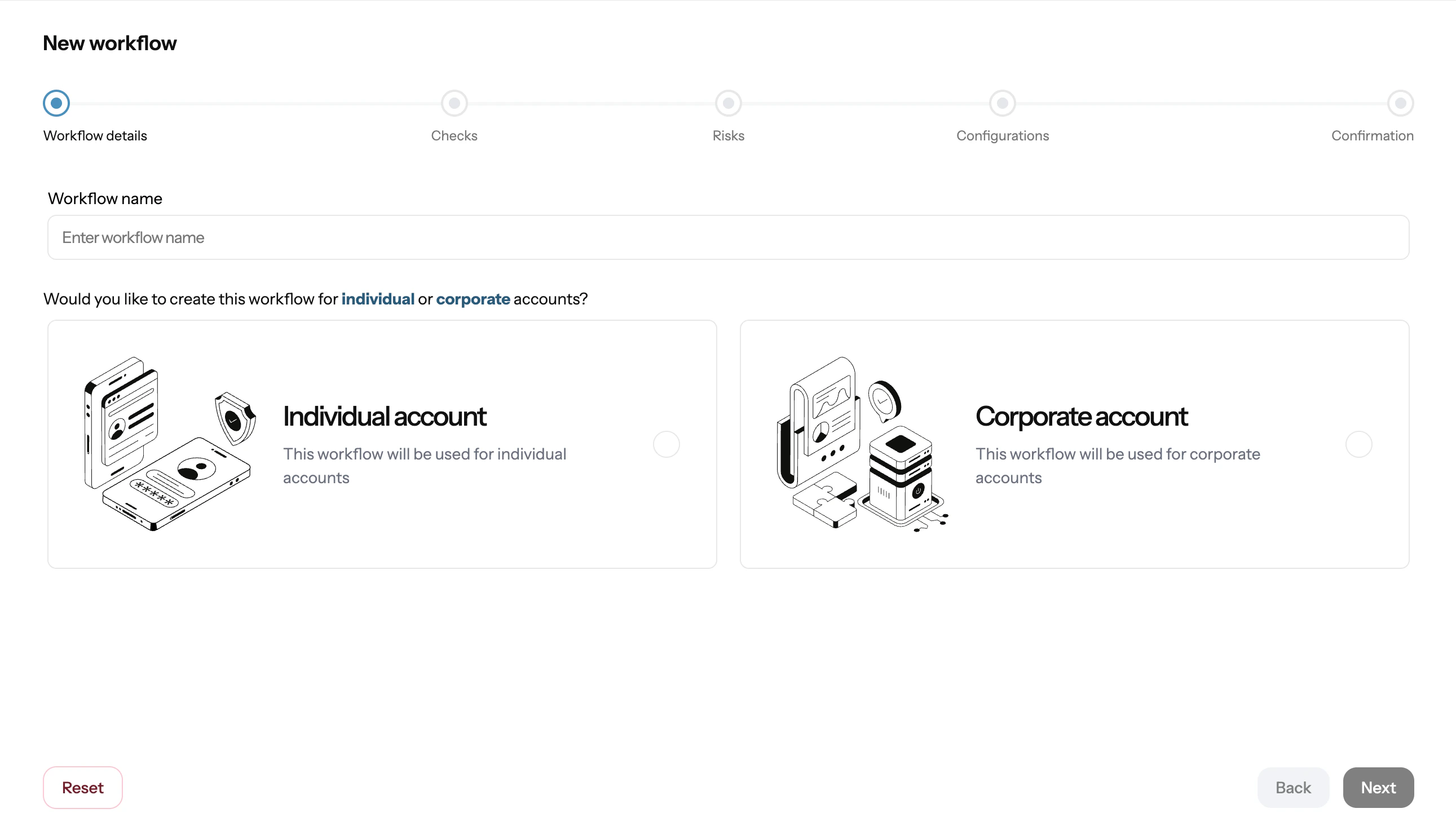
Example:
Image shows creating a workflow from Sigma Dashboard.
Workflow setup and workflow management are done from the dashboard only. There is no API for creating workflows.
Workflow Components
A workflow has four configurable areas: 1. Customer Type Select whether the workflow applies toindividual or corporate customers. This determines which checks and risk criteria are available.
2. Checks
Select the verification checks to run as part of this workflow. Available checks include:
| Check | What it does |
|---|---|
| Identity Verification | Verifies the customer’s identity against government and database sources (e.g. BVN, NIN, passport) |
| PEP Screening | Screens the customer against global PEP databases and associated persons lists |
| Sanctions Screening | Checks against OFAC, UN, EU, HM Treasury, and other sanctions programmes |
| Adverse Media | Searches news and intelligence sources for negative coverage linked to the customer |
| Document Verification | Validates submitted documents using OCR and fraud detection checks |
| Tier | Typical treatment |
|---|---|
| Low | Standard onboarding, annual review |
| Medium | Enhanced documentation, quarterly review |
| High | Senior approval required, monthly monitoring |
- One-time: runs once when triggered, no automatic repeat
- Scheduled: repeats at a set interval (e.g. every 3 months, every 12 months) for ongoing monitoring
How to Create a Workflow
- Open Workflows in the CDD section of the Sigma Dashboard
- Click Create Workflow
- Select the customer type (
individualorcorporate) - Choose the checks to include
- Configure risk criteria and tier thresholds
- Set the check frequency
- Save the workflow
Managing Workflows
You can edit an existing workflow at any time from the Workflows screen. Changes apply to future CDD runs and do not retroactively update previously completed checks. To retire a workflow, you can deactivate it from the dashboard. Deactivated workflows are no longer available for new runs but their historical results remain accessible.Next
Add customers and customer groups before running CDD.